The Wrath of Kon

Dispatches, thoughts, and miscellanea from writer Jon Konrath

2017

Ode to a 2014 Retina MacBook Pro
FullSizeRender-4

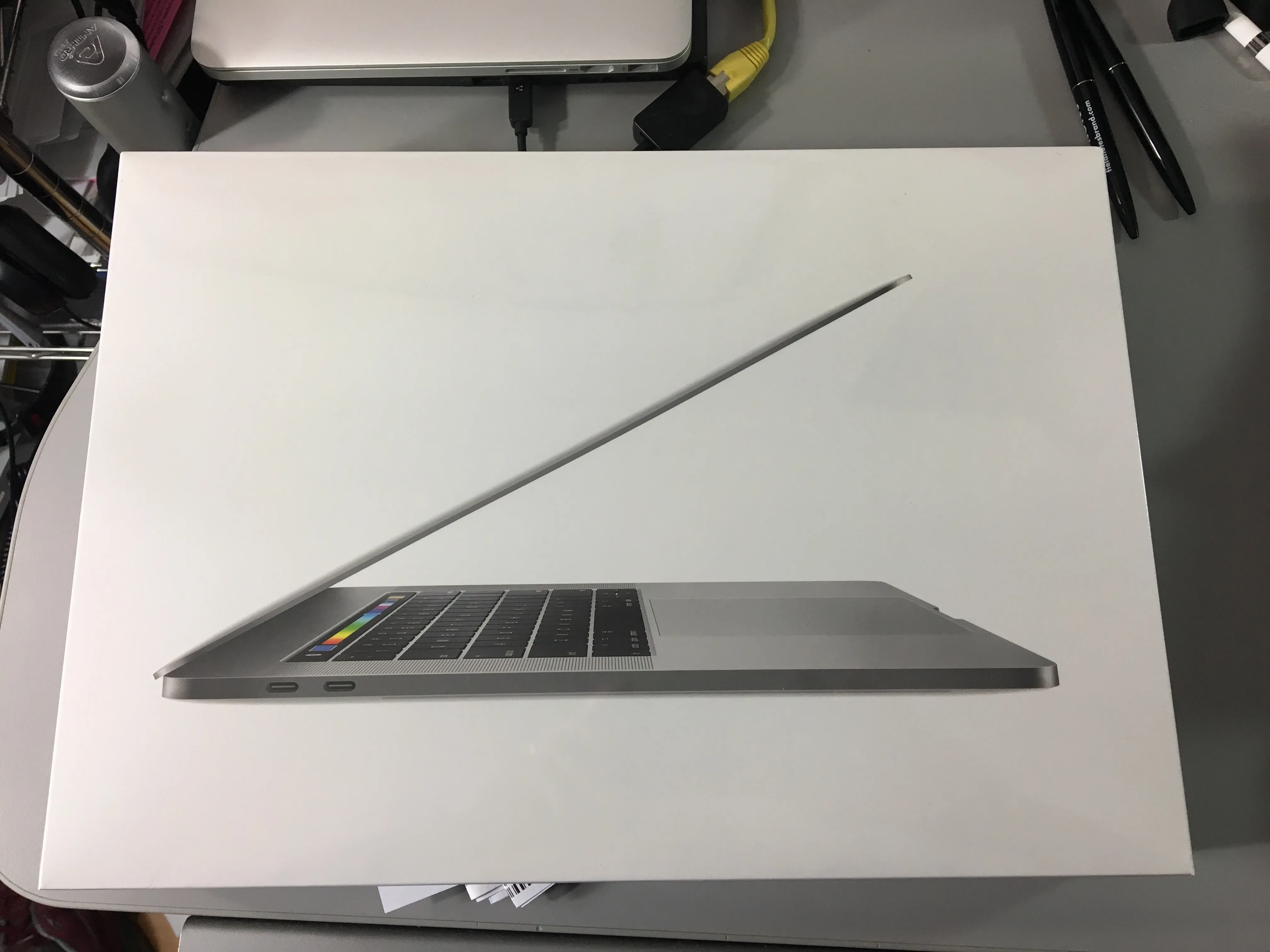
Well, it was time. The Retina MacBook Pro I bought in 2014 reached its retirement, and I got a new one. This one did not have a spectacular death or great failure, but it was getting up there, so I decided to swap it out now, while I could afford it.

Two computers ago, the mid-2010 model I had lasted four and a half years, but had some major problems along the way. It was from the first batch of the dual-GPU machines, and had the NVIDIA curse, which meant two mainboard replacements (within warranty.) There were also two battery replacements, one in warranty, and a later one on my own. A fan crapped out at one point, and I lost one of the rubber feet, and molded a functional but ugly replacement from Sugru. To be fair, I thrashed the hell out of that machine, put some serious miles on it. I still have it, and it still runs, but it’s at the point where the OS doesn’t get updates anymore, and there’s no good browser for it.

The 2014 was a step down in some ways: it was a 13-inch, as opposed to the 15-inch one. It had an i5 as opposed to an i7, and integrated graphics only. But, it was light as hell, very easy for travel. The retina screen was great. And I had no maintenance issues, no repairs, no service, nothing. My only complaints were that the battery is slowly going, maybe 85% of engineered capacity, but losing maybe a percent a week. Its half-terabyte drive was getting pretty crammed. And I was scared to update to High Sierra and break everything, so it stayed at El Capitan. So, no real complaints, but time to move forward.

The bad timing here: my work computer went sideways about a week ago, requiring two trips to Palo Alto to get it wiped, and re-wiped, and re-re-wiped. It got hung up on a Windows 10 update bug, where it would download six gigs of data, spend half a day updating, fail, restore itself, then immediately start the process again. I ended up getting a newer machine, which also had to be wiped/updated, but the whole thing was a giant reminder that I do not like dealing with Windows 10 machines, not that I have any option to migrate all my crap to a machine that doesn’t run any of the programs I use.

I fretted about which machine to get as a replacement. I really wanted a 13-inch machine again, but I really wanted a 1TB drive. By the time you option up a 13-inch machine to get the big drive, it’s almost the same price as the 15-inch. So, that’s what I did. I ended up with a 2017 15-inch, with the 3.1 GHz i7, 16 GB of memory (double what I had), a 1 TB drive (also double), and the Radeon 560 4GB GPU, along with the down-switching to the integrated graphics. Space Gray, which I was 50/50 on, but looks nice.

Probably the biggest pain in the ass is the port issue. The machine now has two Thunderbolt 3/USB-C ports on each side, and a headphone jack on the right (wrong) side. My home setup involves Ethernet, DVI video, and a USB hub with two USB connectors for keyboard/mouse, another for an IR receiver, and then whatever phone or external drive I need to periodically plug in. So, the dongle situation: a TB3 to ethernet; the “AV connector” which has USB/power in/HDMI; an HDMI to DVI; and the existing USB3 hub. I also got a USB-C-to-USB connector for whatever odd thing I need to plug in. And I’m using a USB audio DAC into my monitors. So, two plugs. I thought about a Thunderbolt dock, but they all seem a bit half-baked.

I think the usual screed here is how horrible it is that all ports are going away, Apple is a bunch of fucking evil communists, I can buy a $500 plastic Asus machine at Best Buy that has tons of ports, etc. My general thought is that TB3 is the way to go - much higher throughput, daisy-chainable, and one universal connector. The problem is all the shit that doesn’t use it. But I’ve got that figured out, so, done.

The machine feels a bit heavier, but bigger. We’ll see how it travels, since I am gone next week. Also not sure on battery life, but they tend to get better with each iteration. The keyboard is different. It has Touch ID, which is a little weird, and not that consistent between apps and stuff, but it does work well. Siri is fairly useless on the Mac. I run the machine clamshelled most of the time, so the new touch bar thing is not even on my radar.

I started setting up the machine by hand, copying over files and reinstalling everything, then realized I was going to screw everything up, break my mail or iTunes or whatever. So I gave up, blanked out the machine, and fired up Migration Assistant. I wired the two machines directly with Ethernet, and about two hours later, it finished, and was about 95% set up. Lost a day of writing, but I lost almost two weeks on that Windows 10 machine, so, yeah.

And once again, important PSA: BACK UP YOUR MACHINE. Get an external drive, clone your entire machine on it, and keep doing it regularly. Or use CrashPlan or BackBlaze. Or do both. I didn’t run into any backup issues this time, but seriously, if you have a computer, you need to back it up.

Anyway, happy firestorm or whatever you celebrate.
Maui

maui

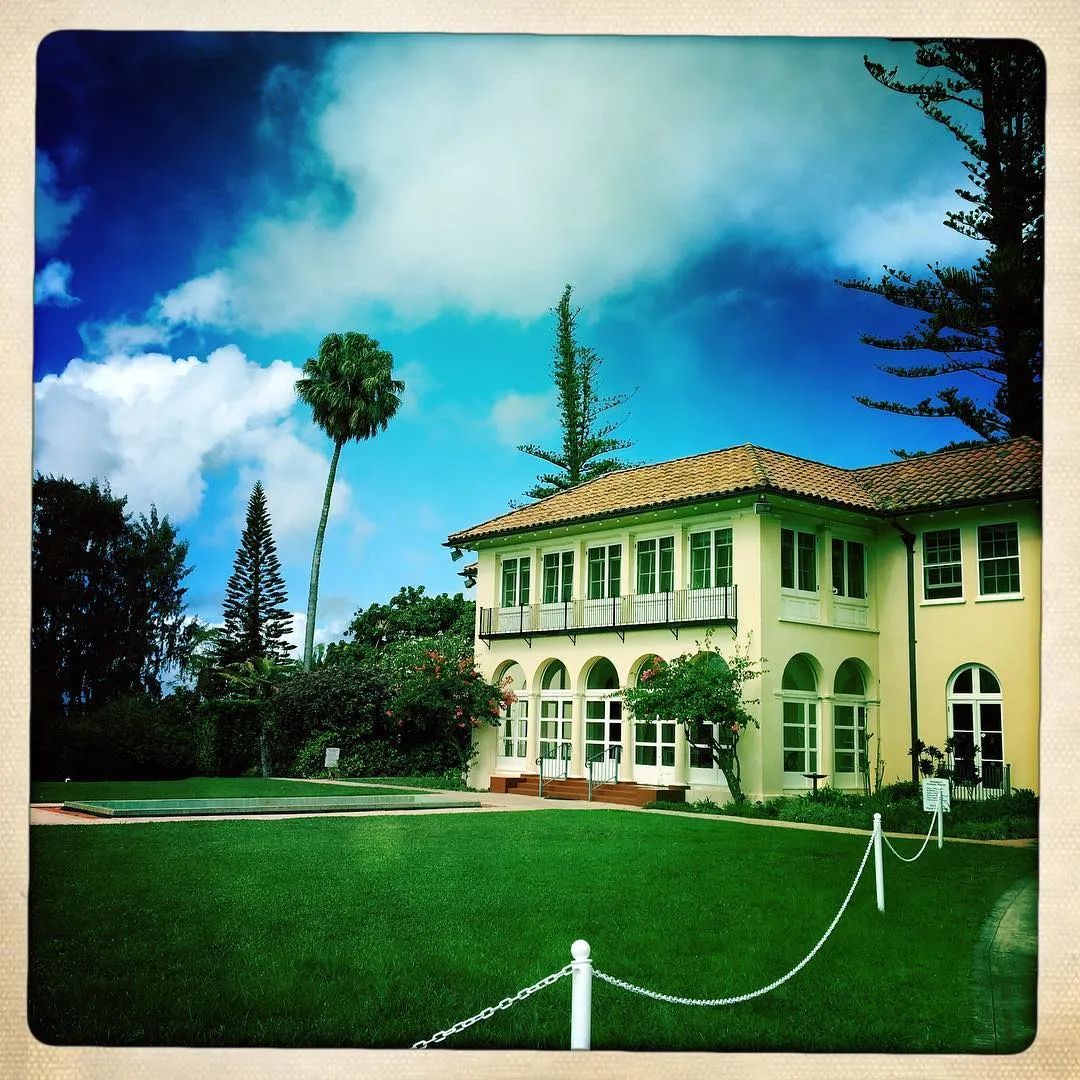
I spent last week in Maui, as a combination tenth-anniversary trip and Thanksgiving. Sorted through the photos, vaguely, but I’ve been too busy to get any words down on it.

Looking back, I guess I haven’t written about my previous visits there, but we went in 2013 and 2015. Pictures of the previous visits are on Flickr, but I’ve all but given up on these stupid travel updates.

The vitals: we stayed in Kapalua instead of Wailea this time, at the Ritz-Carlton. It’s a bit more isolated, which is nice, but it also meant we had to drive like an hour to get anywhere. We had a kitchen, which meant I could avoid the 5000-calorie buffet every morning and make my own breakfast.

I went zip-lining, which was a first and a lot of fun. Six zips across Pu’u Kukui and the West Maui Forest Preserve took a few hours, with a bus ride on a muddy dirt road, then an uphill ATV ride up an even muddier road. The rain held out until the last zip, and then it felt like I was being pelted with rock salt. Still, awesome stuff. If you’re ever out there, Kapalua Ziplines are the folks to use.

Went to the Maui aquarium again, but it was a bit more crowded with school-holiday traffic. Ate a lot at a few different places. Didn’t go to Target. Coincidentally ended up at a dead mall connected to a Safeway, which was a truly surreal experience. I didn’t do any swimming or try to kill myself paddle-boarding like last time. Lots and lots of walking and hiking, although no volcano this time.

Anyway, pictures posted on Flickr for you to ignore: https://flic.kr/s/aHsm9FoH6E. Dragged along the DSLR and a bunch of lenses, and ended up taking twice as many pictures with my phone. Go figure.

KONCAST Episode 10: Ryan Werner

http://koncast.libsyn.com/episode-10-ryan-werner

In this episode, I talk to writer, publisher, musician, and lunch lady Ryan Werner. He is the author of Shake Away These Constant Days, Murmuration, If There’s Any Truth In a Northbound Train, and Soft. He plays guitar in Young Indian and numerous other bands. He also runs Passenger Side books.

Links from this episode:

http://www.ryanwernerwritesstuff.com

https://ryanwerner.bandcamp.com

http://koncast.libsyn.com/episode-10-ryan-werner

Dü You Remember?

Quick link to a podcast about Hüsker Dü, called Dü You Remember:

https://www.thecurrent.org/collection/husker-du/

(It’s also on iTunes, etc. I just searched for it in the Podcast app, but I’m still on iOS 10, before Apple completely fucked it, so your mileage may vary.)

This was a great five-part audio documentary on the band, from Minneapolis public radio’s The Current. It’s mostly interviews with the band and others (both Rollins and Biafra drop in) and covers the rise and fall of the Hüskers.

I was very late on the scene with these guys, being stuck in heavy metal land and all. I heard a few songs on those SST compilations, which I didn’t discover until right around the time they broke up. By the time I got to college and was surrounded by “college rock,” and later “alternative,” the conversation was more about “have you heard Sugar?” and I had to go backward and hunt down all the old albums.

The whole podcast was apparently conceived before Grant Hart’s passing this year, so there’s a lot of footage of him. Definitely worth checking out.

WordPerfect for Mac

Screen-Shot-2017-11-10-at-5.05.58-PM

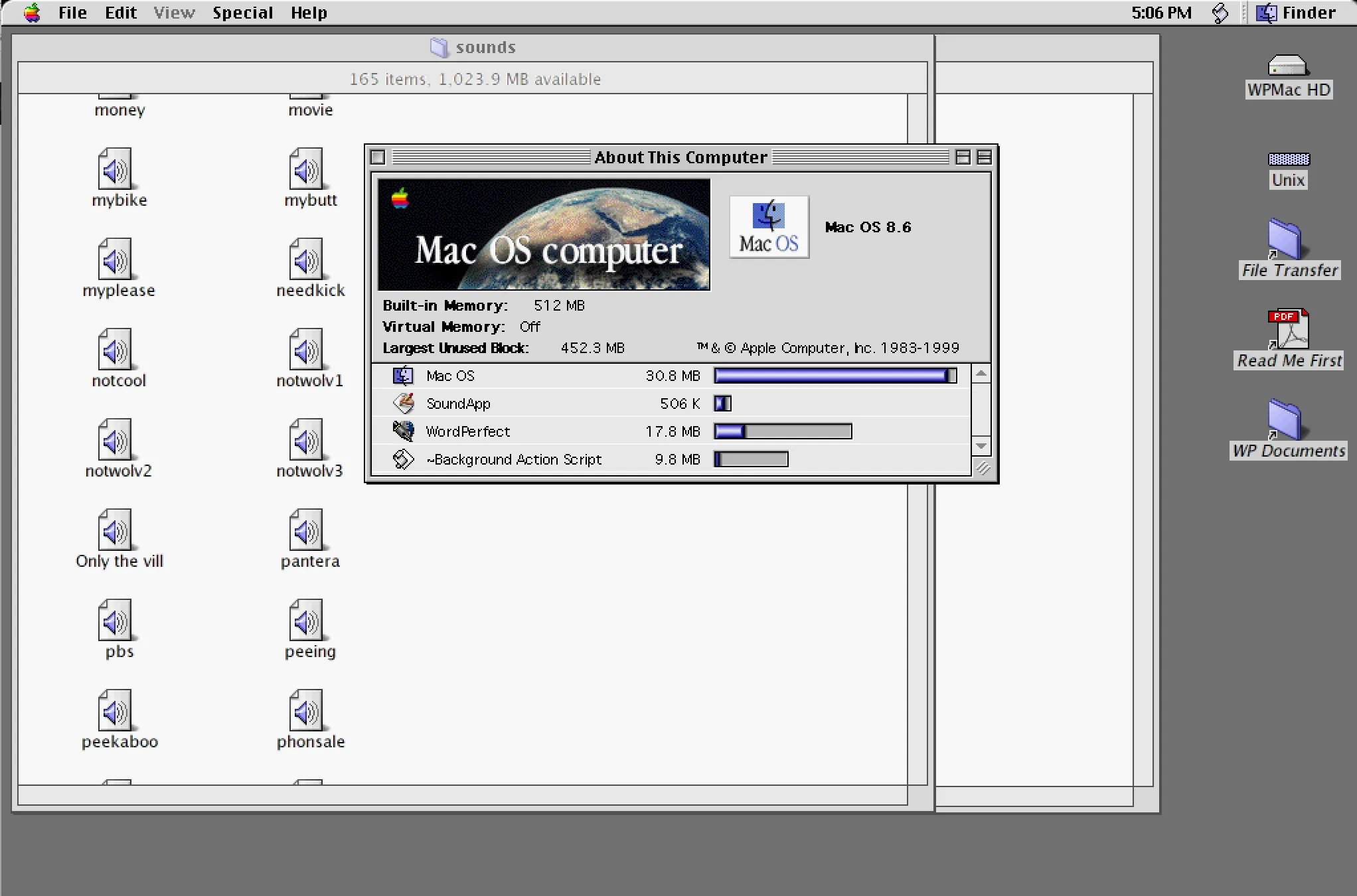
A stupid memory… I was thinking about how I used to love WordPerfect on the Classic Mac OS. It wasn’t a port of DOS WP 5.1; a different dev team wrote their own program, and the company called it WordPerfect, so it worked much faster. I always found it better than Word on the old Sys6/7 Mac.

Anyway, found this page: http://www.columbia.edu/~em36/wpdos/mac-intel.html - Someone has set up the SheepSaver PowerPC emulator to run MacOS 8.6, along with a few versions of WordPerfect. So you can download one image file, and with almost no fuss (aside from the big download) you can then run WordPerfect on a modern Intel Mac.

I was messing with this and realized I have a Stuffit archive of the Mac machine I had at my first job, 22 years ago. I’ve never been able to un-stuff it, because of the weirdness of Mac resource forks or whatever. I brought it into this emulated machine, and it instantly opened it. So I had the same set of files I had back on my Centris 660 AV in Seattle in 1996.

There wasn’t much there: the 1984 commercial in QuickTime; a bunch of QuickHelp source for the Spry Mosaic browser; some other assorted utilities, like DropPS and GraphicConverter. The fun find was I had a Sounds folder, which had a few hundred short clips of audio from Beavis and Butthead and Pulp Fiction. They were all sampled at like 10kHz; the whole folder is like 38 MB.

It reminds me of a time when Windows audio was almost nonexistent, unless you paid hundreds of bucks for a SoundBlaster, but every Mac had pretty decent audio, standard. There was a big culture of hoarding these little ten-second samples of Star Wars and RoboCop movie quotes. Like I remember hanging out with my Calculus teacher at IUSB - this must have been in late 1990. There were almost no Macs at the South Bend campus, but for some reason, he had a brand new SE/30. I went to check it out one time, and he spent half an hour playing me every sound file he had downloaded from the internet, these little clips from science fiction films, all hooked in so it would play Darth Vader when he started up or shut down his machine.

I don’t even know how to play these audio files outside of the emulator, but it works in the program. I guess now I can just go to YouTube and play the entire TV show if I want, but it’s interesting to see a snapshot of how it used to work back then. Also, the old Mac interface looks so blocky and weird now, which is hilarious.